Wi-Fi QR codes: escape the password, keep the secret local
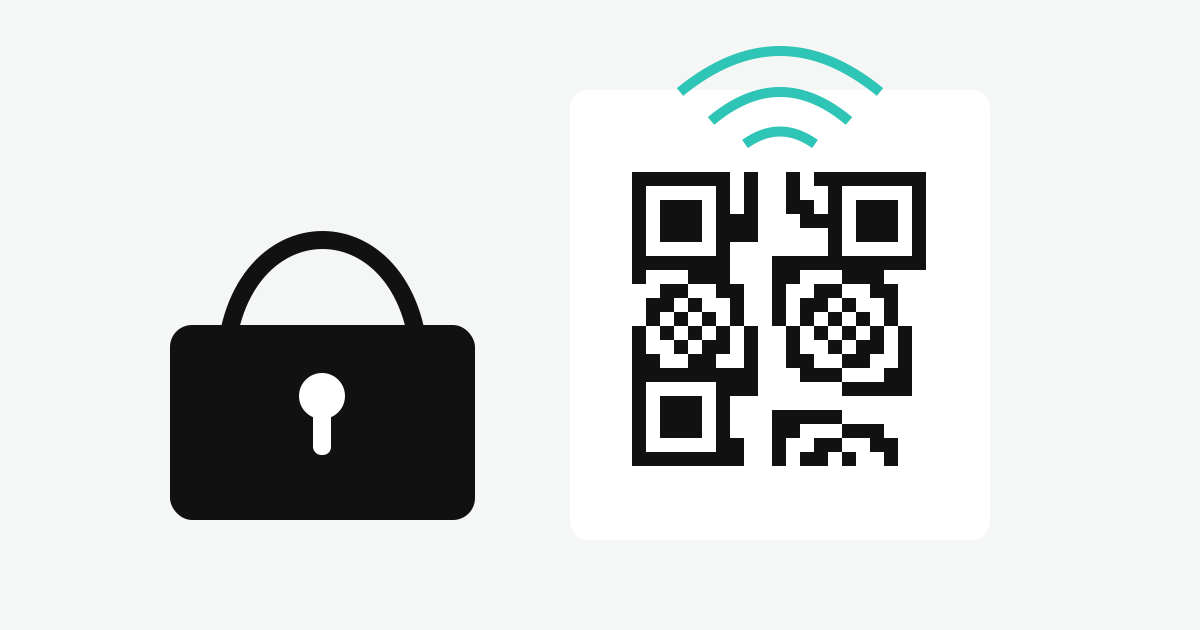
Wi-Fi QR codes make a password easy to share, while leaving it readable to anyone with the image. The image contains the network name and password. I decide where the printed code will live before choosing colors or adding a logo. Then I inspect the content and test a real connection, because recognizing a QR symbol is only the first step.
What settings do Wi-Fi QR codes need?
Enter the network name exactly as the network presents it. Leading or trailing spaces can be meaningful, so the tool preserves them instead of trimming them. Select WPA/WPA2, WEP or an open network to match the intended connection. The QR format label is a scanner instruction; it does not change the router’s security configuration. A generated image cannot convert an insecure network into a secure one or prove that the supplied password is correct.
For a hidden network, select the hidden flag. The content then records H:true rather than H:false. Devices may handle hidden-network codes differently, so a connection test matters. For an open network, the password is omitted from the content even if an old password remains in the form. The field values are prepared locally. The generator does not probe the router, authenticate to the network or send these details to a checking service.
Can Wi-Fi passwords contain semicolons and backslashes?
The Wi-Fi content uses a structured text form with fields for security, SSID, password and the hidden flag. A semicolon ends a field. If an SSID such as A;B is inserted without escaping, a parser can read only A as the network name and treat the remainder as something else. The tool encodes that name as A\;B inside the SSID field. It similarly escapes colons, commas, quotes and backslashes so that their literal meanings survive the structure.
Escaping does not alter the intended password. It tells the scanner which punctuation belongs to a value rather than to the field grammar. For example, a literal backslash must itself be escaped, while an ordinary letter remains unchanged. I use the encoded content panel to check the punctuation but type the original, unescaped network name and password into the form. Pre-escaping your own input would cause the tool to escape those added backslashes again.
| Input character | Encoded text | Reason |
|---|---|---|
| ; | \; | Keep a semicolon inside a value |
| : | \: | Keep a colon inside a value |
| , | \, | Preserve a literal comma |
| " | \" | Preserve a literal quote |
| \ | \\ | Preserve a literal backslash |
What does a complete Wi-Fi QR code contain?
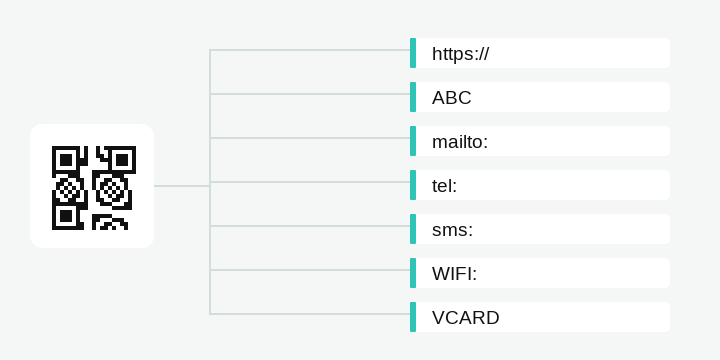
For network name Office, password secret, security WPA and a visible network, the content is WIFI:T:WPA;S:Office;P:secret;H:false;;. This is a hypothetical example. It does not describe a real credential and should not be treated as a password recommendation. The same fields with the hidden option enabled end in H:true;;. Choosing an open network changes the security token to nopass and leaves the password field empty.
You can copy the content text when you need to inspect it elsewhere. That action places the credential in the clipboard, which may be accessible to other applications or clipboard managers. The QR image also carries it. Treat the image, SVG, copied text and local history as copies of the secret. A color or logo change does not remove the encoded password, and a static code cannot be remotely revoked through this generator.
Does downloading a QR code save the Wi-Fi password?
Generating a code and downloading it do not save a local history entry. The Save locally button is explicit because a complete saved input can contain credentials. It stores up to five entries in this browser, including all typed fields and settings. Restoring a Wi-Fi entry brings back the SSID, password, security selection and hidden flag; it does not merely paste the structured content into one text field. That makes corrections possible without silently losing the original form.
Clear local history when using a shared browser. Private mode or storage restrictions can prevent saving, and the tool reports that situation while leaving generation available. Clearing the history does not erase files you downloaded or clipboard copies you made. If a password changes, previously printed codes still contain the old one. Replace those images and dispose of obsolete printed copies through your normal process; the tool has no remote destination or credential dashboard.
How do I check that a Wi-Fi QR code connects?
A phone may detect the code and still fail to connect because the network name, password, security selection or hidden flag is wrong. It may instead show text or require a separate confirmation. Compatibility depends on the device and scanning app. I first inspect the content, then use a representative device near the actual network and confirm that it connects to the intended network. A successful scan of the image alone does not validate a router configuration.
- Compare the entered SSID and security choice with the actual network.
- Enter the original password without manual backslash escaping.
- Inspect the encoded content and ensure the quiet zone remains clear.
- Scan the exported image on a representative device and confirm the offered network.
- Try the connection and verify it reaches the intended network.
- Keep the code only where sharing the credential is appropriate, and clear local history on shared devices.
For a printed guest card, the print-size guide explains border geometry and final-size proofs. The QR code generator keeps processing local, offers dark-on-light inspection and exports matching PNG and SVG images. Four quiet-zone modules come from DENSO WAVE’s QR area guidance. A network code still deserves a real connection test: image geometry, correct content syntax and authorization to share a credential are separate parts of a useful result.
FAQ
Should I add backslashes before entering my password?
No. Enter the original password; the tool applies the required escaping.
Does downloading save my password in browser history?
No. Only the explicit Save locally button records a complete input in this tool’s local history.
Can a Wi-Fi QR code hide a password?
No. A reader can recover the encoded credential. Share the code only where sharing the password is appropriate.